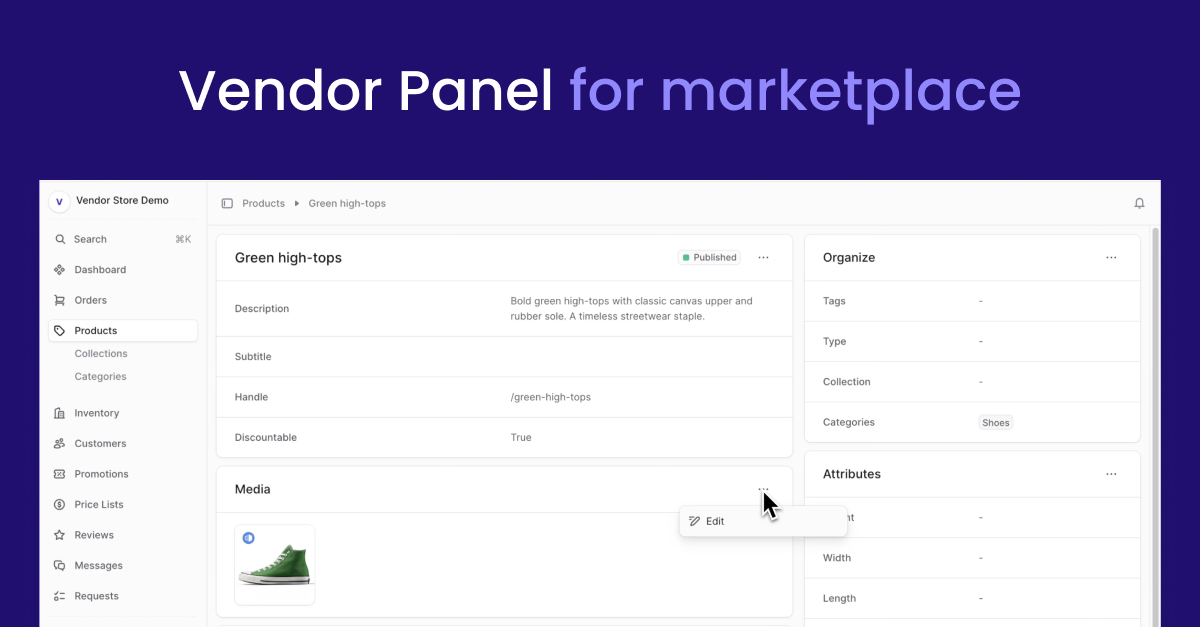
## Vendor Panel for Mercur
The Vendor Panel is a pivotal component of the MercurJS ecosystem, designed to provide vendors with an intuitive interface to oversee their marketplace activities.
- Product Management: Add, edit, and organize products with ease.
- Order Tracking: Monitor order statuses and manage fulfillment processes.
- Store Customization: Update vendor store details
- Review Handling: Engage with customer feedback to improve service quality.
- Analytics Dashboard: Gain insights into sales performance and customer behavior.
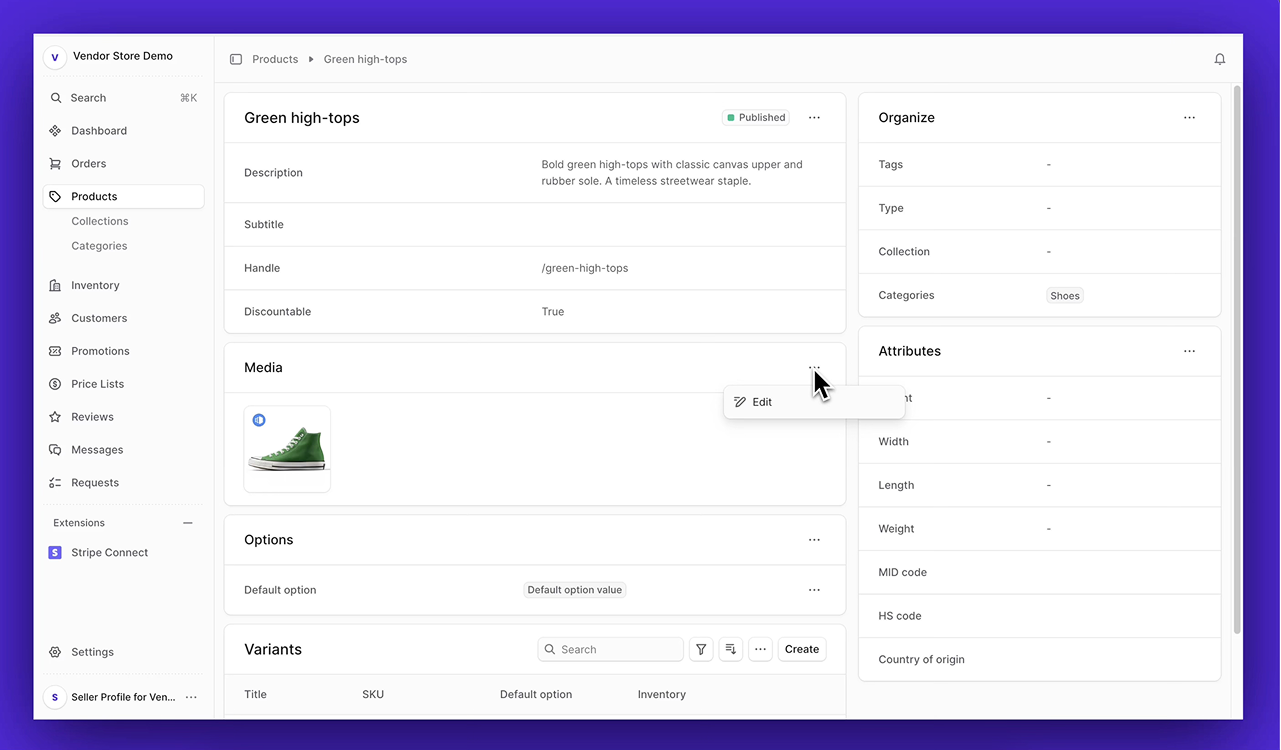
### Vendor Panel - Product Management View
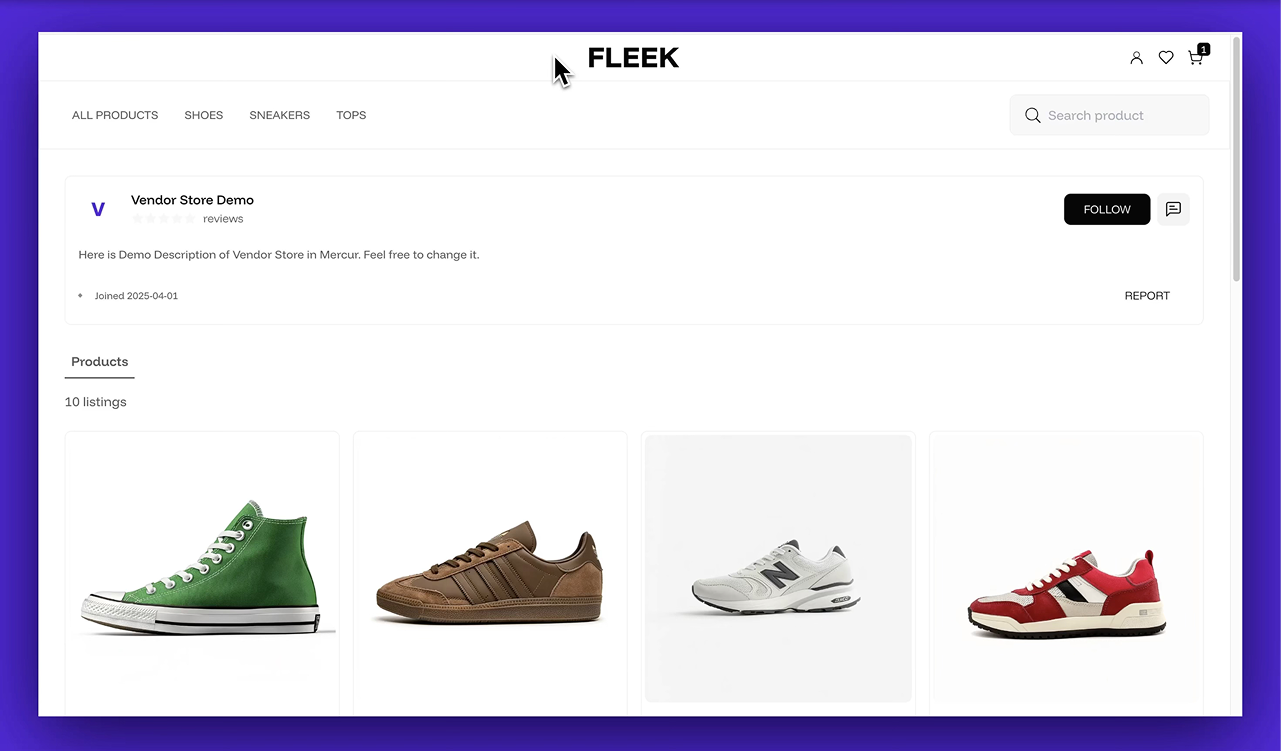
### Vendor Store - Frontend View
# Part of Mercur
Mercur is an open source marketplace platform that allows you to create high-quality experiences for shoppers and vendors while having the most popular Open Source commerce platform MedusaJS as a foundation.
Mercur is a platform to start, customize, manage, and scale your marketplace for every business model with a modern technology stack.

# Quickstart
## Installation
Clone the repository
```js
git clone https://github.com/mercurjs/vendor-panel.git
```
Go to directory
```js
cd vendor-panel
```
Install dependencies
```js
npm install
```
Make a .env.local file and copy the code below
```js
VITE_MEDUSA_BASE='/'
VITE_MEDUSA_STOREFRONT_URL=http://localhost:3000
VITE_MEDUSA_BACKEND_URL=http://localhost:9000
VITE_TALK_JS_APP_ID=
VITE_DISABLE_SELLERS_REGISTRATION=false
```
Start storefront
```js
npm run dev
```
## Guides
How
to get TalkJs App ID


